Status
In development
Native iOS support is being built and is not part of the current version. There is no date to announce.
Native iOS app support in Ruststudio is in development and is not in the current version. Apple builds iOS apps only on a Mac with Xcode, so it will be a feature of Ruststudio on macOS. Native Android apps written in Rust work today.
Updated · describes Ruststudio 0.1.5
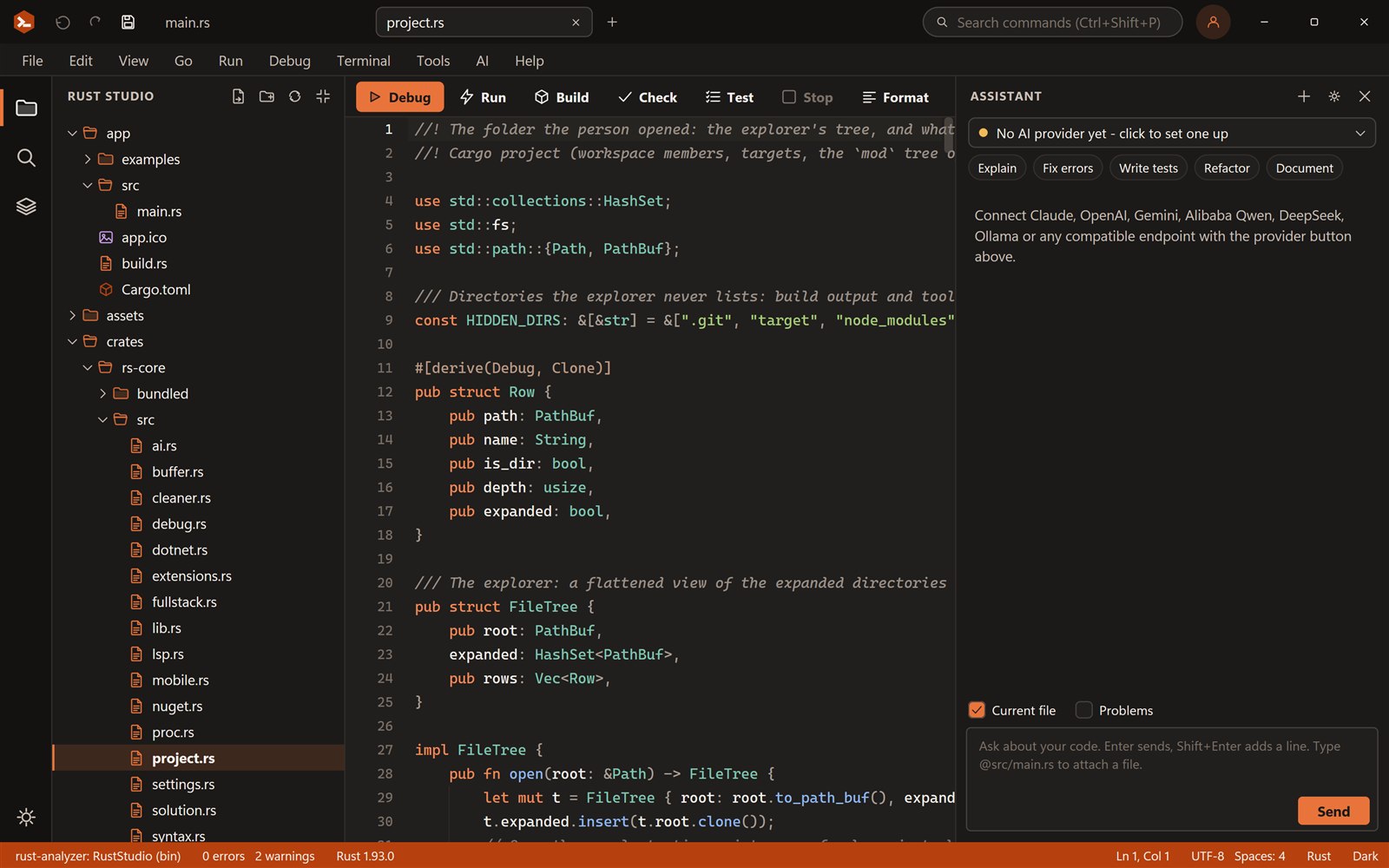
Rust can target iPhones and iPads. Building, signing and running an iOS app needs a Mac with Xcode, and native iOS support in Ruststudio is in development.
Status
Native iOS support is being built and is not part of the current version. There is no date to announce.
Requires
Apple provides the iOS SDK and build tools only for macOS, so iOS builds will run in Ruststudio on a Mac.
Today
Native Slint and egui apps for Android, with the same code running as a desktop window, are in the current version.
An iOS app is compiled for Apple’s iOS targets and then packaged and signed with tools that Apple ships only inside Xcode on macOS. That is true for every programming language, Rust included. It is why an IDE running on Windows or Linux cannot produce an iPhone app by itself.
Ruststudio on macOS will be the place for it, so the build, signing and run steps can be started from the IDE instead of from Xcode.
Rust supports iOS as a target, and you can add it with rustup on a Mac. Ruststudio is a good place to write the shared part of the app: the Android templates keep the user interface and logic in Rust, with only a few platform-specific functions.
Something else? Ask in the community forum or send feedback.
Not yet. Native iOS support is in development. It will need a Mac with Xcode.
No. Apple’s iOS SDK and signing tools exist only for macOS, so any iOS build, with any language, needs a Mac.
On a Mac, run rustup target add aarch64-apple-ios for iPhones and iPads and rustup target add aarch64-apple-ios-sim for the simulator on Apple silicon. Building and signing an app still needs Xcode.
No. The goal is the same as for Android: native apps in Rust with no web view.
Native Android apps with Slint or egui, a setup check for the Android SDK and NDK, and tasks that build, install and start the APK on a phone.
Yes. Ruststudio is free for personal and commercial use, with no licence key and nothing to pay. Use it for 7 days straight away; after that you sign up for a free account with your e-mail address. It is closed-source freeware.
Ruststudio is a product of FOWLGUARD, Inc., the company behind Fowlguard Secure and Fowlguard Productivity. It is one of its free tools; see fowlguard.com.
Windows 10 and 11 (64-bit), macOS 11 or later (Apple silicon and Intel) and Linux (x86-64, X11 or Wayland). You can build for the desktop, the web and Android from it. Native iOS support is in development and will need a Mac with Xcode.