Universal
Apple silicon and Intel
A single download runs natively on both kinds of Mac, on macOS 11 or later. It is signed with a Developer ID and notarized by Apple.
Rust Studio/Rust IDE for macOS
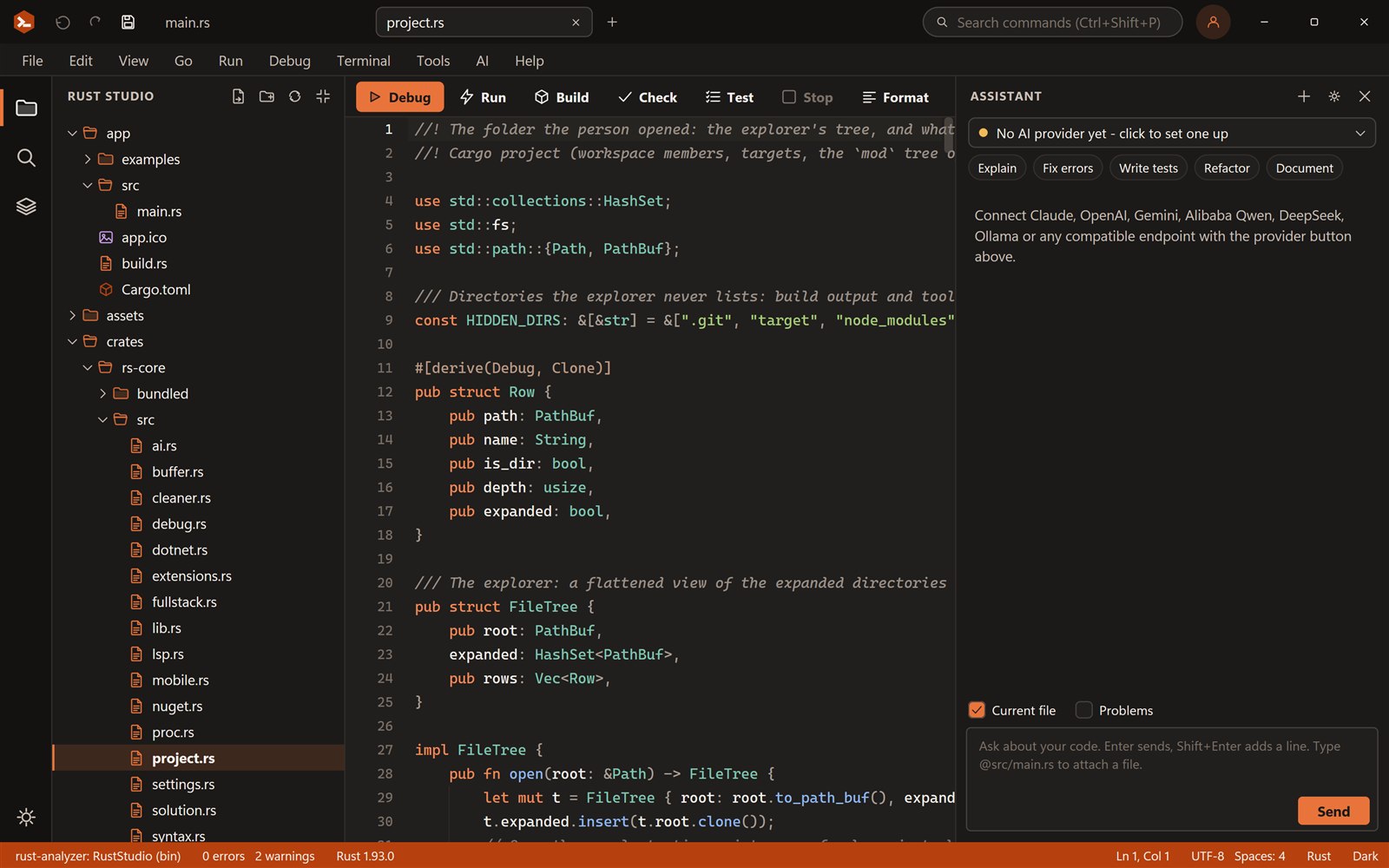
One universal app for Apple silicon and Intel. Drag it to Applications, point it at your Rust toolchain and start a project.
Universal
A single download runs natively on both kinds of Mac, on macOS 11 or later. It is signed with a Developer ID and notarized by Apple.
Install
Drag Rust Studio to Applications, or use the installer package.
Web
axum with React, Vue, Svelte or Angular, Swagger for the API, and one key to run both.
Learn more →Mobile
Slint and egui templates for Android; iOS builds need Xcode on your Mac.
Learn more →Rust Studio is a native app written in Rust. It uses the cargo and rust-analyzer you installed with rustup, keeps your settings in your user library, and does not need an account.
Get the macOS download from the download page.
Open the disk image and drag Rust Studio to Applications.
Open it, choose New Project and press F5.
Yes. The macOS build is universal, so it runs natively on Apple silicon and on Intel Macs. It needs macOS 11 or later.
It is a first version. The window uses the app’s own title bar (no macOS traffic lights), double-clicking a .rssln file opens the app but not the file yet (use File, Open), and there are no native context menus. Web views, media, camera and speech are not available yet.
Yes. Rust Studio is free for personal and commercial use, with no licence key and nothing to pay. Use it for 7 days straight away; after that you sign up for a free account with your e-mail address. It is closed-source freeware.
Rust Studio is a product of FOWLGUARD, the company behind Fowlguard Secure and Fowlguard Productivity. It is one of its free tools; see fowlguard.com.
Windows 10 and 11 (64-bit), macOS and Linux (x86-64, X11 or Wayland). You can build for the desktop, the web and Android from it. iOS builds need a Mac with Xcode.
Download Rust Studio, the free Rust IDE by FOWLGUARD for Windows 10 and 11, macOS and Linux. Per-user install, no adm…
Build full-stack Rust web apps in Rust Studio: an axum backend with a React, Vue, Svelte or Angular front end, a dev…
Write native Android apps in Rust with Slint or egui, no web view. Rust Studio gives you templates, an Android setup…