React
axum + React (Vite)
A TypeScript React front end served by an axum API, with a Vite dev server that proxies /api to Rust.
Create an axum backend and a React, Vue, Svelte or Angular front end in one click, run both with a dev proxy, and ship a single executable that contains the website.
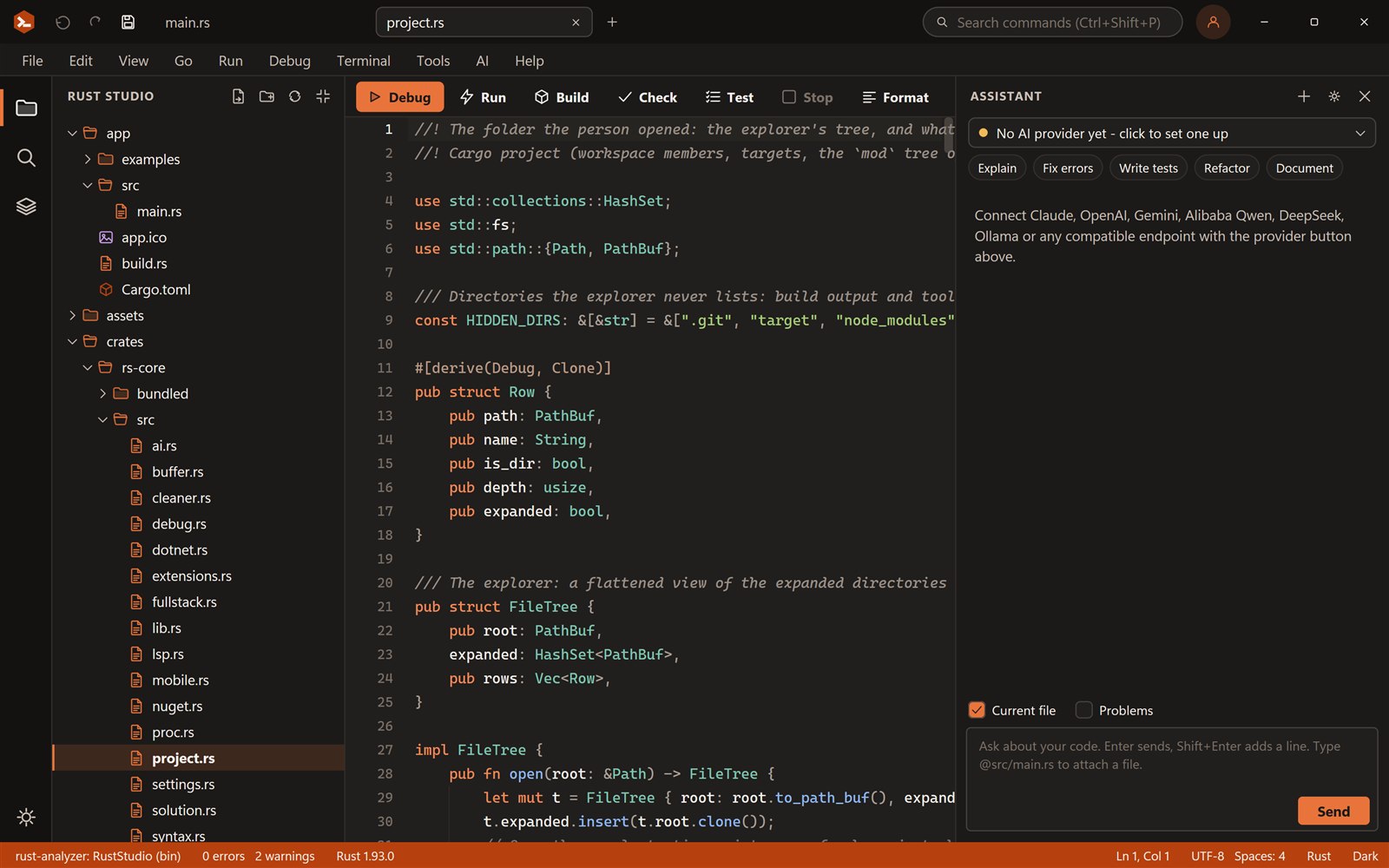
An axum back end with the front end of your choice: dev proxy, API calls and the release task.
Run a task from the Terminal menu, as in the IDE.
Try it: switch front end, click the button, call the Rust API, then run Install, Dev server and Bundle release.
React
A TypeScript React front end served by an axum API, with a Vite dev server that proxies /api to Rust.
Vue
Vue 3 on Vite with the same server, tasks and one-executable release.
Svelte
Svelte 5 on Vite, wired to the Rust API.
Angular
Rust Studio runs the Angular CLI for you, then adds the proxy and a fixed output folder so the server can serve the build.
Rust-only
Prefer Rust on both sides? Start from a Leptos or Yew WebAssembly template, or a plain axum server.
Tasks
Every full-stack template adds solution tasks you run from the Terminal menu. No hunting for npm commands.
Build the front end, then build the server with the embed feature. The result is one executable that serves your site and your API, with no Node.js on the server and nothing to copy next to it.
During development the server reads the built site from disk and the front end runs on its own dev server with hot reload, so you never wait for a full build to see a change.
The web template lives inside a solution, so you can add a shared Rust library, a command-line tool or a worker next to it. Run starts the server; the dev server is a task; Build covers the solution. The AI assistant can see both sides when you @mention the files.
New Project, Web, choose Rust + React (or Vue, Svelte, Angular).
Run the Install front end task once (npm install).
F5 starts the Rust server; the Front end dev server task starts hot reload with the /api proxy.
Run Bundle release for one executable that contains the website.
The full-stack templates use axum on tokio. There are also Leptos and Yew WebAssembly templates and a plain axum starter.
For React, Vue, Svelte and Angular front ends, yes, while you develop and build. The finished executable needs nothing.
Yes. The release task builds the front end and compiles it into the executable with the embed feature.
Yes. Rust Studio is free for personal and commercial use, with no account, trial or licence key. It is closed-source freeware.
Windows 10 and 11 (64-bit). You can build for Windows, the web and Android from it. iOS builds need a Mac with Xcode.
Rust Studio is a free, native Rust IDE for Windows: rust-analyzer, solutions with many projects, full-stack web templ…
Build Windows desktop apps in Rust with Tauri, Slint or egui. Rust Studio gives you project templates, solutions, a o…
Use the AI you trust inside a Rust IDE: Claude, OpenAI, Gemini, Alibaba Qwen, DeepSeek, Mistral, Groq, xAI, OpenRoute…
Download Rust Studio, the free Rust IDE for Windows 10 and 11. Per-user install, no administrator rights, no account,…